01
You already switched to vibe coding
The site is a repo. You open Cursor, you say what you want, Claude or ChatGPT moves the files, GitHub holds it. That is vibe coding, and it is how agencies ship now — not by hunting a CMS field.
The client still emails “can you just change this.” You context-switch, you find the string, you push. The tool was for you. They never got one.
02
A CMS is two jobs. Sometimes three.
You model the content. Then you build the front. Then you train the client on the model. If the design moves, the model moves. If they want a one-off layout, the CMS says no, so you build a special case.
Vibe-coded sites do not have that second product. The copy is in the files. The layout is the layout. A CMS on top of Cursor is a museum you still have to staff.
03
Your clients still need to change the website
A phone number. A warmer headline. A date on an event. They should be able to do that without booking you. That is the whole promise of a CMS, and it is the only part anyone misses.
So you have a bad choice. Hand them WordPress and they publish whatever they type. Hand them Cursor and they are in the repo — .env, auth, payments, the lot. Either way you lose the limits.
05
They never go live alone.
Before and after. Twenty-six checks. You approve, or you send it back. A blocking failure keeps the button off. If you trust a class of edits, the Batterboard bot can auto-approve when those checks stay green.
Change request
Needs youLive now› Nordlicht
Warmer headline, plus a rating
26 checks
All clear
You
ApproveA seat still has the last click.
Batterboard bot
Checks green. Auto-approve is on. Publishing the boring one.
Approved
06
Try it on a page you already know the shape of
North is fictional. The layout is the usual product page. Three prompts only. Chat on the left, the page in the middle, add or remove on the right. Same limits as a client seat. Nothing publishes.
Live demo · North
Fictional page · not affiliated
› home
Three prompts. That is the whole demo.
- Pick a prompt. Watch the page.
07
Client sites already on the board
These are the agency clients in the signed-in demo. Open any of them after you sign in.
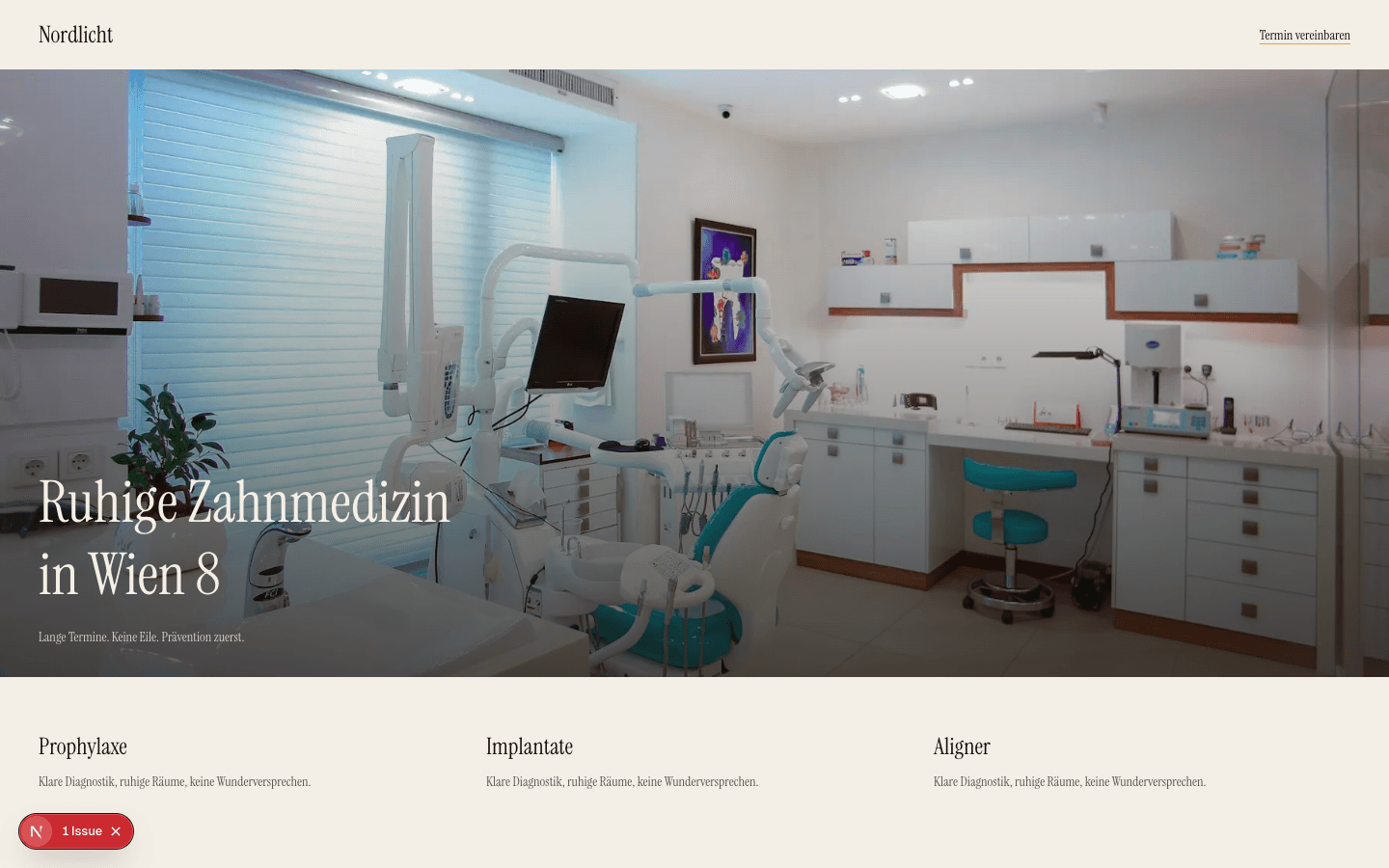
Nordlicht Klinik
Practice site
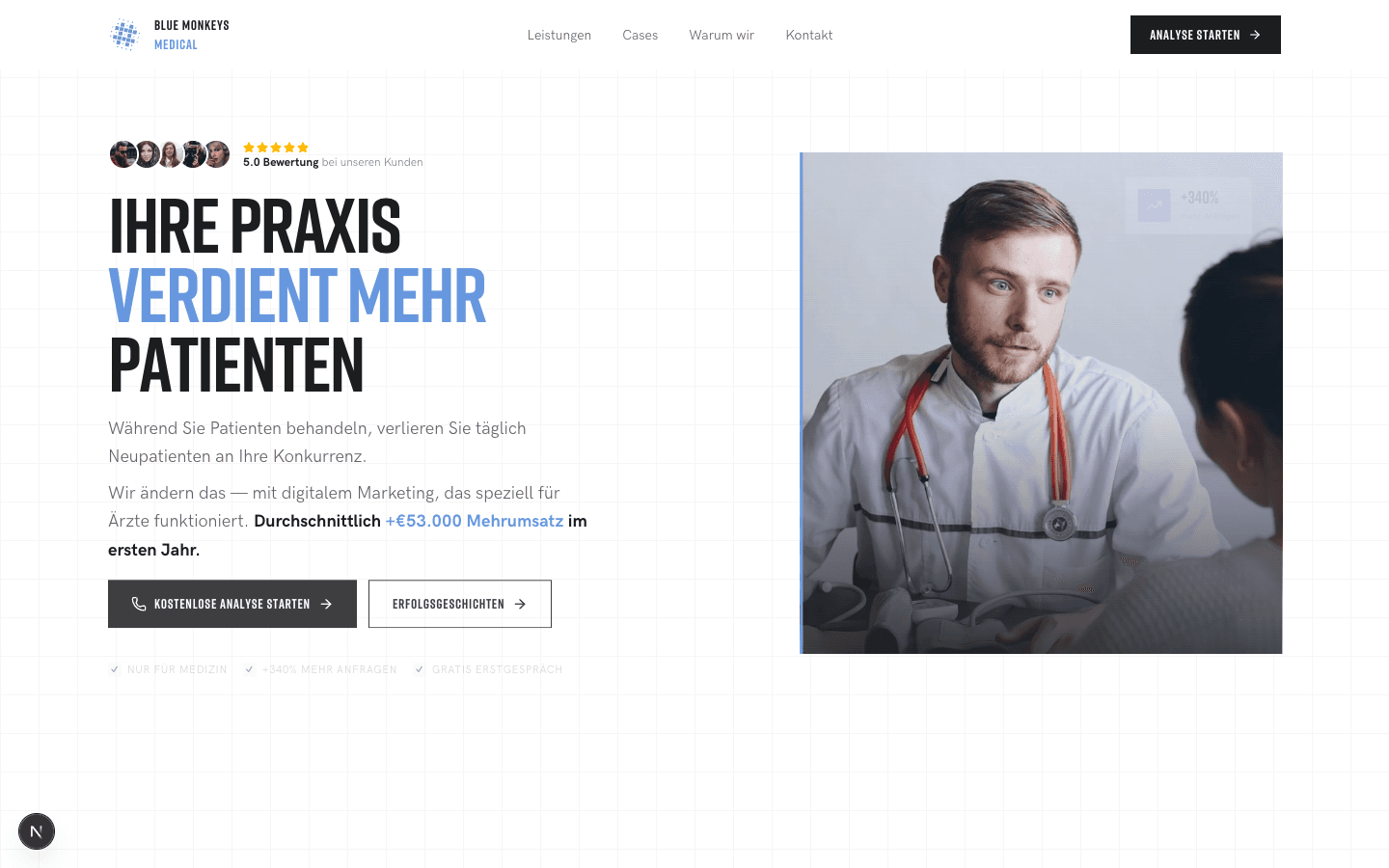
Blue Monkeys Medical
Agency site
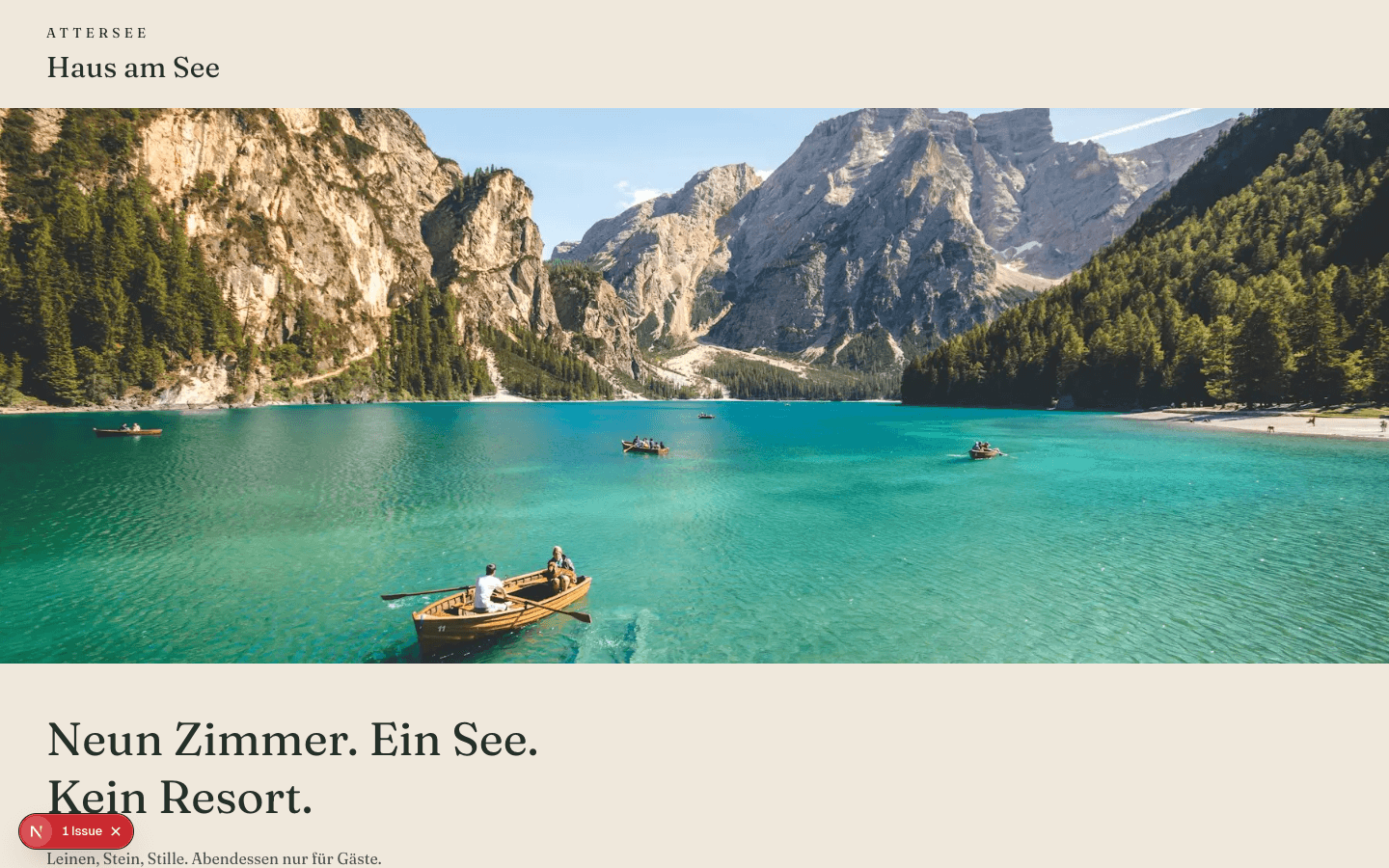
Haus am See
Hospitality

Atelier Ads
Studio
08
GitHub is connected. The stack is whatever you already ship.
Point a project at the repository. Batterboard clones it, reads the folder, and loads the safe file list for that framework. No second CMS. No new hosting. Next.js, Nuxt, Astro, Svelte, React, Vue, Remix, Angular, Hugo, Eleventy, Laravel, a WordPress theme in git, and HTML.
One bill for the agency. Seats for the people who approve.
Free
€0
One site. The free vibe-coding loop, end to end.
Pro
€29 / month
One site you own. Publish and rollback.
Agency
€149 / month
Every client. Seats. One payer.
Billing is a stub. Nothing is charged.
Questions agencies ask about vibe coding for clients
- What does vibe coding for agency clients mean?
- You already build client sites in Cursor and ship the repo. Vibe coding is that loop. Batterboard is the same idea, limited, so a client can change copy and layout without holding the keys.
- Why not keep a CMS?
- A CMS is a second product. You model the content, then you build the site, then you train the client. Three jobs. Vibe-coded sites already have the copy in the files. Editing those files is the CMS.
- Is this Cursor for clients?
- It is Cursor for agency clients, more limited on purpose. Same live page, same repo underneath. They get chat and a preview. You keep diffs, branches, checks and publish. They cannot push to main or edit React and Next.js source.
- What can we limit?
- Anything. Text-only edits, no push to main, no .env or auth, no new packages, and a hard rule that chat never publishes. Flip Batterboard bot on if the boring ones can auto-approve when checks are green.
- Can the bot publish without me?
- Only if you turn that switch on. Checks still have to pass. Chat still cannot publish by itself. The bot is an extra seat you control, not a hole in the fence.
- Can I try this without signing in?
- Yes. The live demo on this page is a fictional North product page. Three prompts only. Chat, preview and the inspector work the same way as a client seat. Sign in if you want a real site from the queue.
- Which stacks connect?
- GitHub first. Then Next.js, Nuxt, Astro, Svelte, React, Vue, Remix, Angular, Hugo, Eleventy, Laravel, a WordPress theme in git, and HTML. Detected from the folder.